
AI Tools for Content Creation: A Complete Guide for Creators in 2026

AI has transformed content creation from a time-intensive craft into a rapid, iterative workflow. Whether you’re a marketer, educator, or independent creator, the right stack of AI tools can help you produce images, music, video, and voiceovers faster and more consistently. Below are five standout tools — Leonardo, Suno, PixVerse, ElevenLabs, and Narakeet — along with exactly what each is best used for.
Why These 5 AI Tools?
These tools cover the core media types most creators need:
Images — for thumbnails, social posts, ads, and product visuals
Music — for intros, background tracks, and full songs
Video — for turning static assets into motion content
Voice — for narration, explainers, and multilingual voiceovers
Together, they form a practical end-to-end pipeline: concept → visual → motion → sound.
Leonardo - AI Image Generation
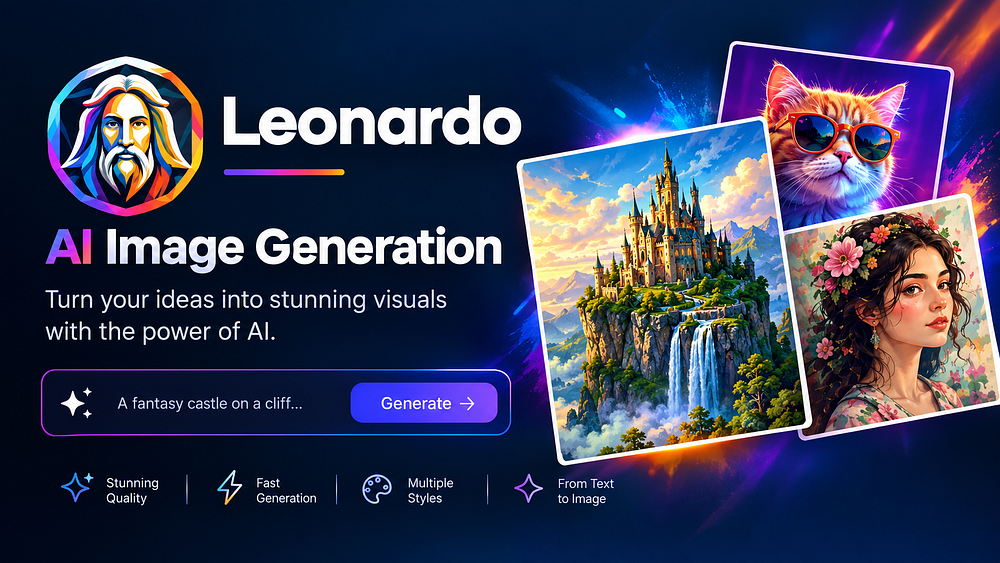
Used for: High-quality AI image generation for marketing, social media, product mockups, and concept art.
Leonardo AI is built for creators who need control over style, composition, and brand consistency. It supports custom model training, style presets, and advanced prompting, making it ideal for teams that want repeatable visual systems rather than one-off images.
Key Features
Custom model training and style preservation for brand-aligned visuals
High-resolution outputs with strong detail in faces, hands, and text
Motion 2.0 for short video clips from images (useful for teasers and social)
Clean interface with real-time previews and prompt helpers
Best Use Cases
Social media graphics and ad creatives
Product concept images and mockups
Blog and website hero images
Character and environment art for storytelling
Suno - AI Music Generation

Used for: Turning text, audio, images, or video ideas into full songs with vocals and instrumentals.
Suno’s latest v6 models let you generate complete tracks — from jingles to full-length songs — using simple prompts. You can start from a text description, a voice memo, or even an image, then refine the result in Suno’s browser-based DAW (digital audio workstation).
Key Features
Text-to-music with vocals, instruments, and structure (verse, chorus, etc.)
Multi-modal input: text, audio, image, or video as inspiration
Browser DAW (Studio 2.0) for editing, arranging, and adding plugins
Models trained in partnership with the music industry for more coherent outputs
Best Use Cases
- Background music for videos and reels
- Custom jingles and brand themes
- Demo tracks for songwriters and producers
- Educational or explainer video soundtracks
PixVerse - Product Image to Video

Used for: Turning static product images and photos into short, cinematic videos with motion, camera control, and native audio.
PixVerse specializes in image-to-video and text-to-video generation, with strong support for realistic motion, camera moves, and integrated sound. Its V6 model can generate 1–15 second clips at up to 1080p, with options for native dialogue, background music, and sound effects in a single pass.
Key Features
- Image-to-video: animate product photos, portraits, and illustrations
- Text-to-video: create scenes from prompts with cinematic styles
- Native audio generation (dialogue + BGM + SFX) synced to motion
- Advanced camera control: focal length, aperture, depth of field, and more
- Multiple aspect ratios (16:9, 9:16, 1:1, etc.) for different platforms
Best Use Cases
- E-commerce product videos from still images
- Social shorts and reels from existing photos
- Logo stingers and brand intros
- Storyboard-to-video for quick concept pitches
ElevenLabs — Text to Speech

Used for: High-quality, natural-sounding text-to-speech for narration, explainers, podcasts, and multilingual content.
ElevenLabs is widely used for its realistic voices, fine control over tone and pacing, and strong support for multiple languages and accents. It’s ideal when you need human-like narration without recording your own voice.
Key Features
- Ultra-realistic AI voices with emotion and intonation control
- Voice cloning (where permitted) for consistent brand voice
- Multi-language support with natural-sounding accents
- API access for integrating TTS into apps and workflows
Best Use Cases
- YouTube and course narration
- Explainer and product demo videos
- Audiobooks and long-form content
- Multilingual versions of the same script
Narakeet - Native Voiceovers

Used for: Creating localized, native-sounding voiceovers for videos, ads, and e-learning in multiple languages.
Narakeet focuses on turning scripts and slide decks into fully voiced videos with native-level pronunciation across many languages. It’s particularly useful for teams that need to localize content quickly without hiring voice actors in each region.
Key Features
- Large library of natural-sounding voices in many languages
- Simple script-to-voice workflow with SSML support for fine control
- Integration with slide tools for automated voiceover videos
- Emphasis on correct pronunciation and local accent quality
Best Use Cases
- Localized marketing and product videos
- E-learning and training modules in multiple languages
- Internal communications and onboarding videos
- Rapid prototyping of voiceover content before professional recording
How These Tools Fit Together
A simple end-to-end workflow might look like this:
- Concept & Script — Write your message and storyboard.
- Visuals (Leonardo) — Generate hero images, thumbnails, and product visuals.
- Motion (PixVerse) — Animate key images into short clips for social or ads.
- Music (Suno) — Create a custom track or background score.
- Voice (ElevenLabs / Narakeet) — Add narration in one or multiple languages.
This stack lets a small team (or even a solo creator) produce polished, multi-format content in hours instead of days.
Choosing the Right Tool for Your Needs
- Need brand-consistent visuals? Start with Leonardo.
- Want custom music or jingles? Use Suno.
- Have product photos and need short videos? Try PixVerse.
- Need realistic narration in one language? Go with ElevenLabs.
- Need multi-language voiceovers fast? Use Narakeet.
You don’t have to use all five at once; pick the ones that match your current bottlenecks.
Conclusion
AI content tools are no longer experimental — they’re practical production assets. Leonardo, Suno, PixVerse, ElevenLabs, and Narakeet each solve a specific part of the content puzzle: images, music, motion, and voice. By combining them thoughtfully, you can build a repeatable workflow that scales your output without sacrificing quality.